Auto-download
A realtime monitor for channels, groups, forum topics and DMs, plus bulk backfill with date and count filters. Stories and self-destructing media too.
Self-hosted Telegram media downloader with a fast web dashboard.

Sign in with your own account and download Telegram channel and group media, including private chats you belong to.
A realtime monitor for channels, groups, forum topics and DMs, plus bulk backfill with date and count filters. Stories and self-destructing media too.
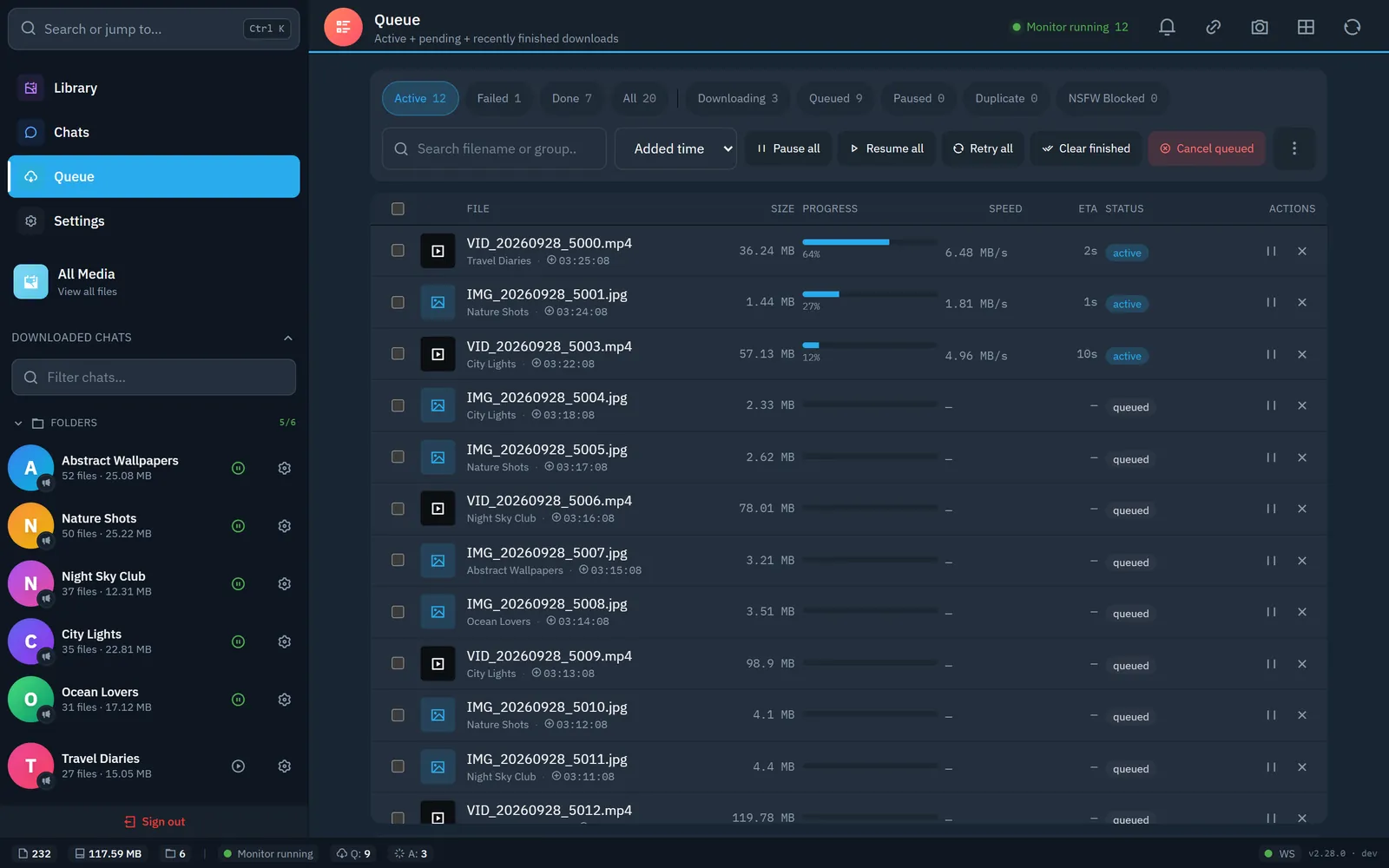
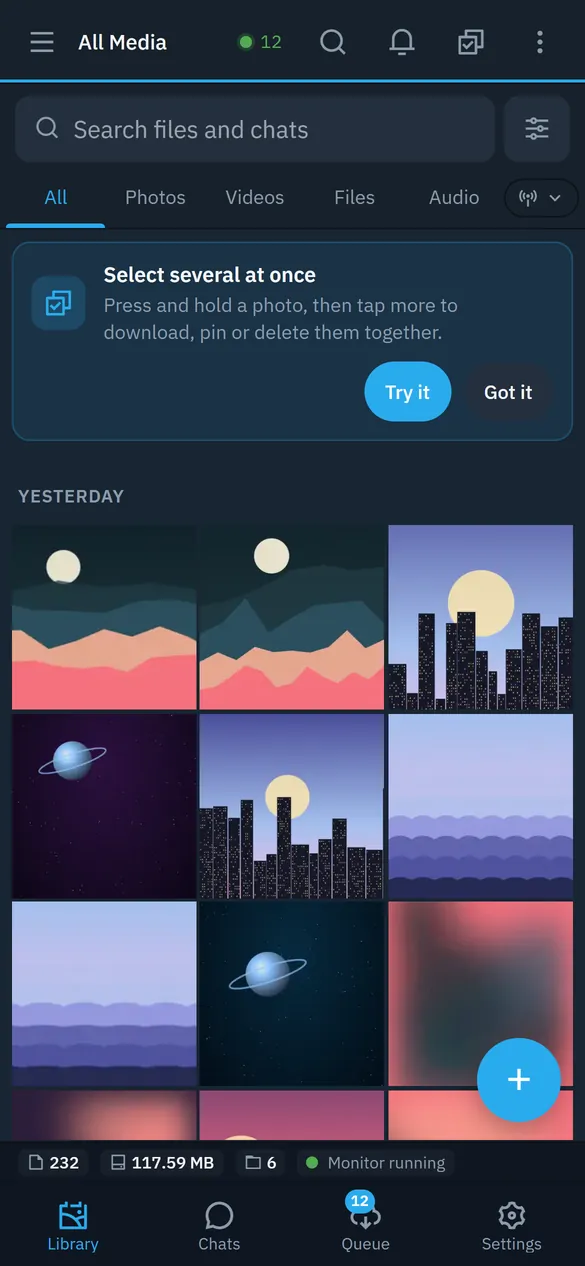
Gallery, live queue with speed and ETA, a full-screen viewer, seekbar previews and share links. Installable on a phone, English and Thai.
SHA-256 at download time and an on-demand library scan, with bulk delete for the duplicates it finds.
Optional insightface sidecar groups the people in your photos and videos. Run it locally or on a GPU machine.
A review screen with a whitelist and a hash blocklist, using a local classifier or a remote sidecar.
Pair several instances into one federated library with live sync, failover and cluster-wide search.
Mirror to S3-compatible storage, SFTP, FTP, Google Drive, Dropbox or a local mount, with optional client-side encryption.
tgdl-core, a small Go binary, does the hashing, integrity checks and folder walks, and serves every media byte, so playback stays smooth while the server is busy.
You need Docker with Compose and an apiId / apiHash from my.telegram.org.
git clone https://github.com/botnick/telegram-media-downloader.git
cd telegram-media-downloader
docker compose up -d
Updating: use Settings › Maintenance › Install update, or run docker compose pull && docker compose up -d.
http://localhost:3000, then set a password.t.me/ link to grab one message.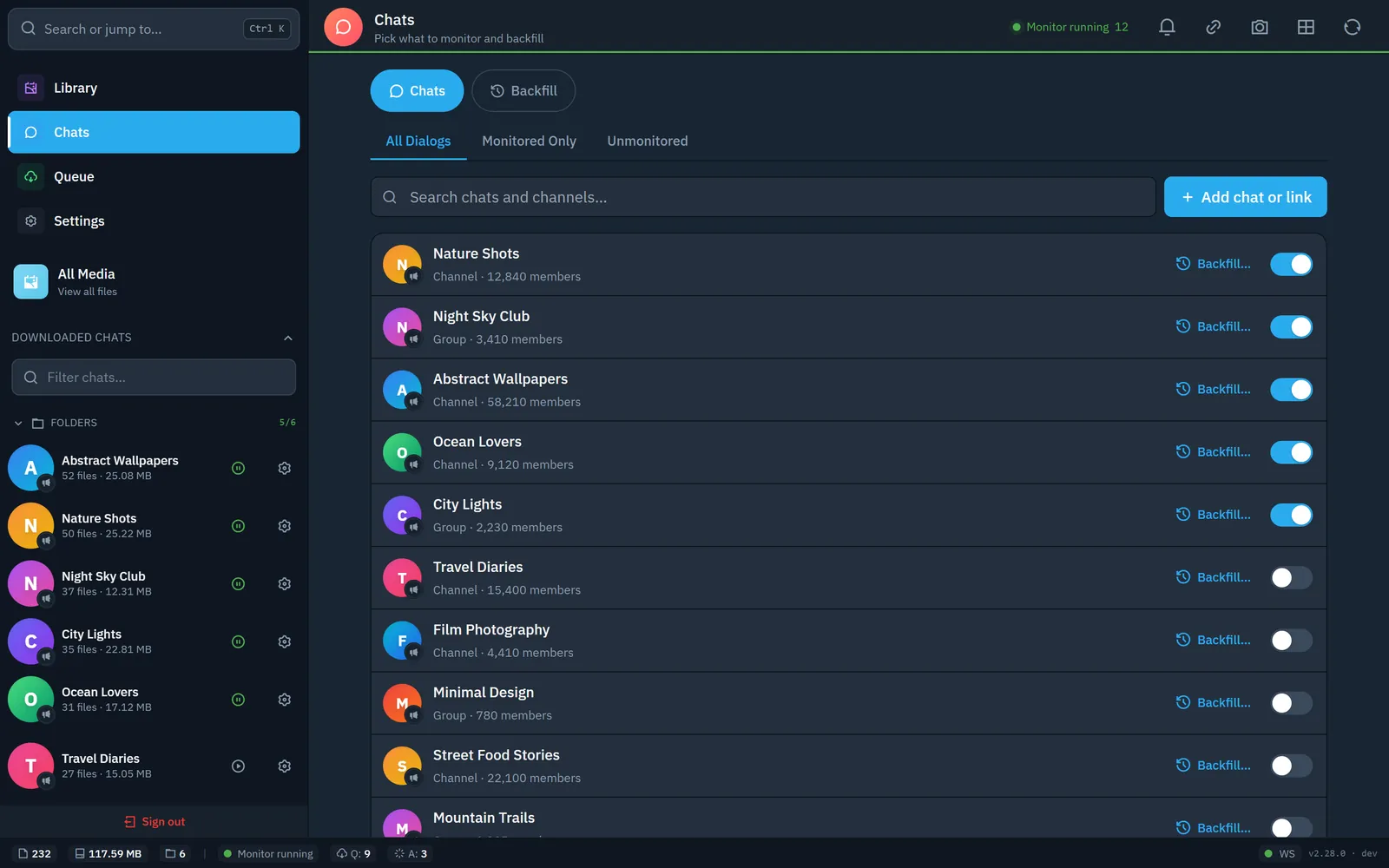
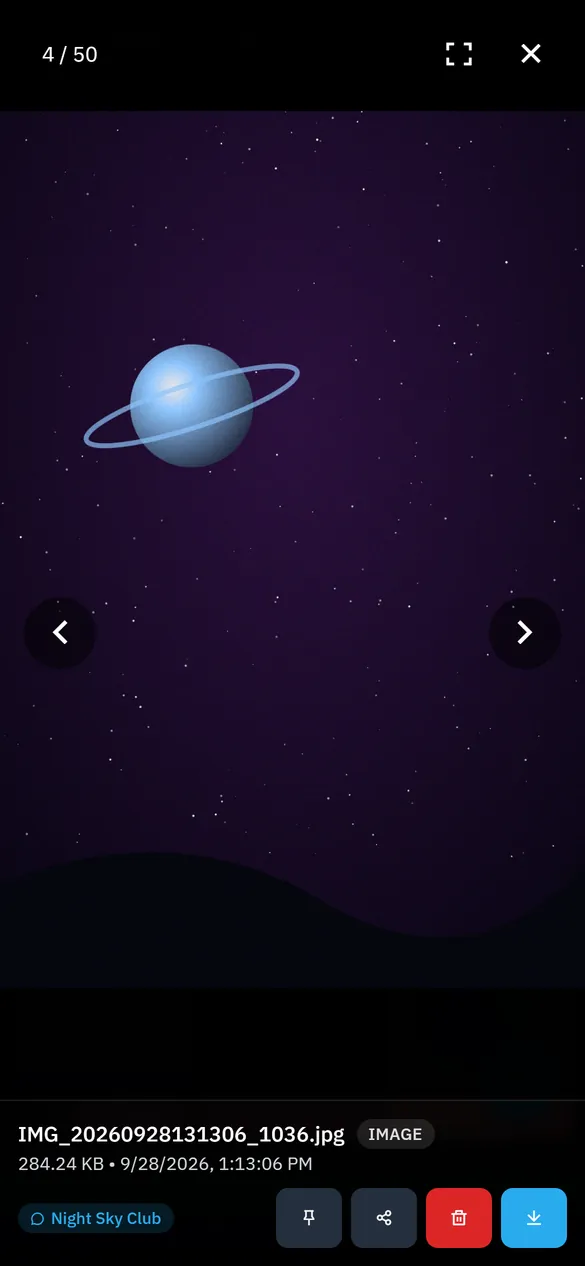
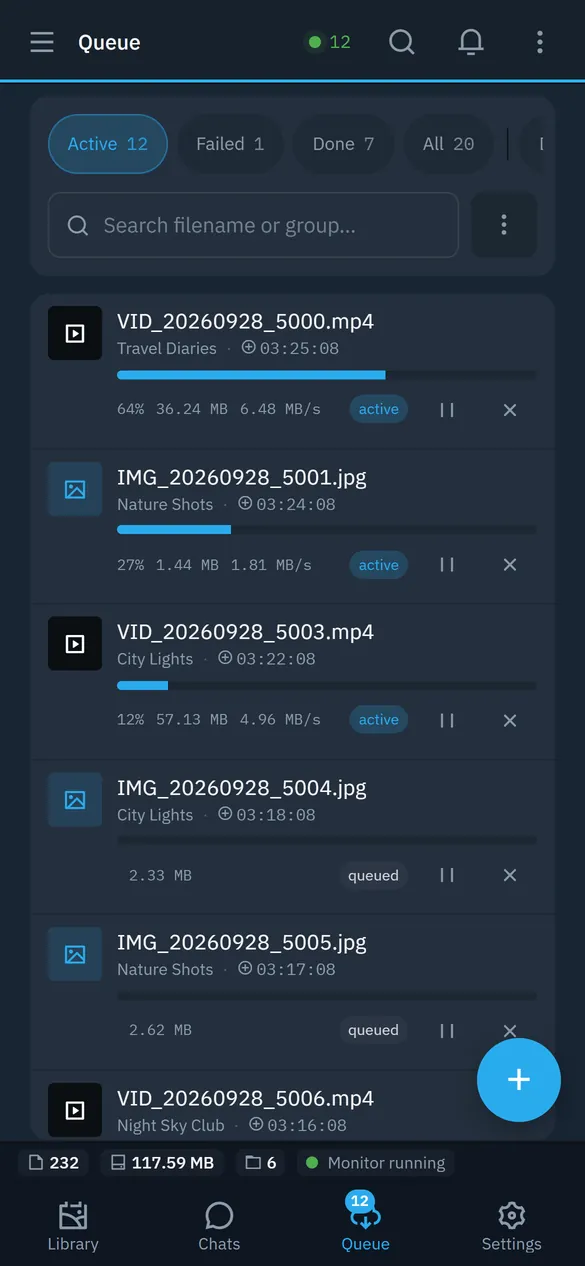
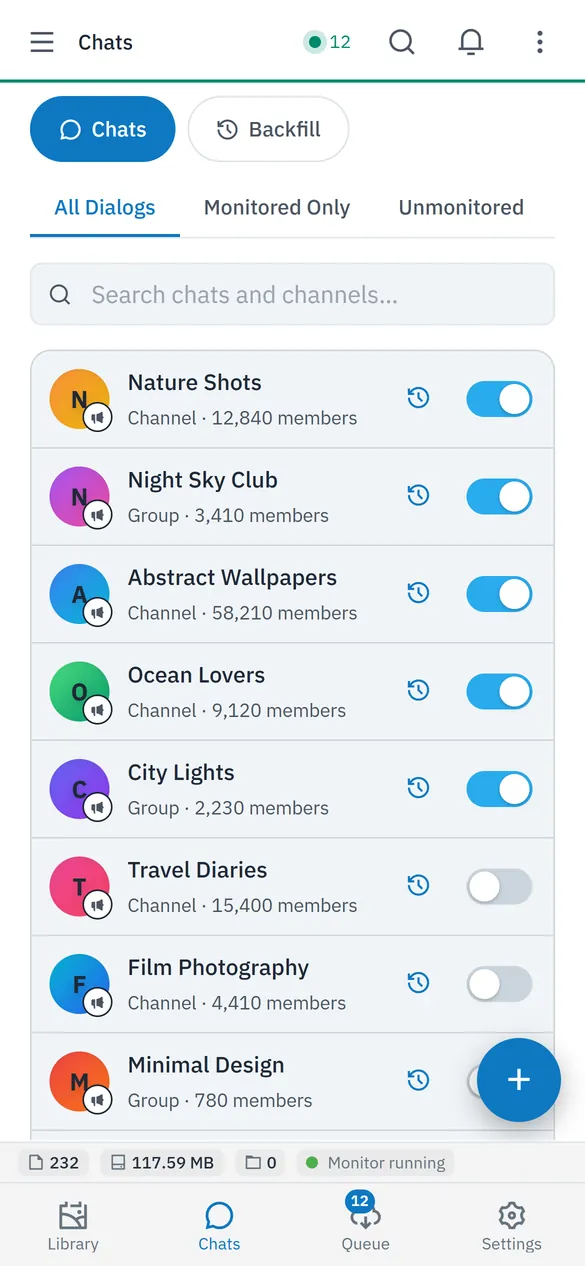
Screenshots use generated demo images and fictional chat names.
The sidecars are optional and each one works locally or on another machine. See the architecture guide and the tgdl-core page.
Add your Telegram account (Settings > Accounts), open Chats, pick the channel and start a backfill. You can limit it by date or message count. The dashboard shows every file in the queue with progress, speed and ETA. To keep the archive current, enable the realtime monitor for that chat.
Yes, if the Telegram account you sign in with is a member. The tool acts as that account over the Telegram user API (MTProto), so it reads what you can read in the Telegram app.
Bots use the Bot API, which limits file sizes and only sees chats the bot was added to. This tool logs in as your user account through MTProto, so it has no bot-style file-size cap and sees your own chats.
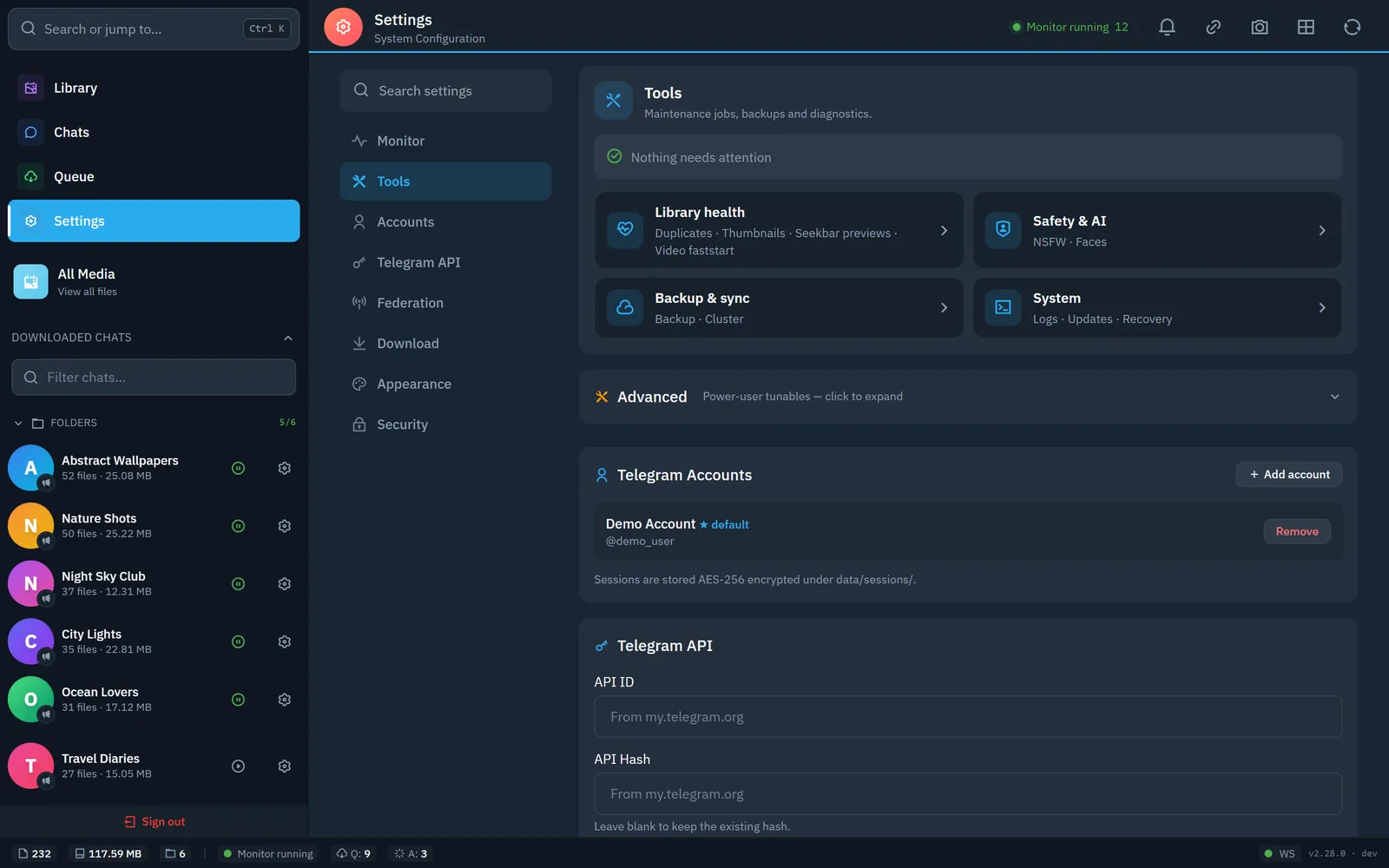
Sessions are encrypted at rest (AES-256-GCM) in data/sessions/, with the key in data/secret.key. Nothing is sent to a cloud service run by this project. The dashboard fails closed, so without a password nobody gets in. Put it behind HTTPS if you expose it, and back up secret.key, because losing it makes saved sessions unrecoverable. See the security policy.
Built-in rate limiting (default 15 requests per minute) and FloodWait handling keep traffic modest. Avoid lowering the limits aggressively or running many accounts from one IP. No tool can promise zero risk.
Yes on Synology (the repo ships docker-compose.synology.yml). The published Docker image targets linux/amd64; on ARM boards such as a Raspberry Pi, run it from source with Node.js 22+ (npm ci && npm start), because tgdl-core has ARMv7 and arm64 Linux builds that npm install fetches for you. See the deploy guide.
Yes to both. Stories are fetched from the Stories button by username. Self-destructing (TTL) media is detected and moved to the front of the queue before it expires.
Paste the t.me/... link into the dashboard’s link drawer. Channel, group, forum-topic and private links are supported.
In Docker, use Settings > Maintenance > Install update, or run docker compose pull && docker compose up -d. Migrations run automatically.
Downloads live under data/downloads/<chat>/, or TGDL_DOWNLOADS_DIR on another disk. Optional backups go to S3-compatible storage, SFTP, Google Drive, Dropbox or a local mount, with client-side encryption. See the backup guide.